Account currency
You can change the currency of your account to USD or EUR at My account/ Settings/ Currency:

Please note that this setting affects the pricing currency that you see for our pay-as-you-go products, and you can either perform an instant payment in one of these or be invoiced accordingly.
Other settings section includes additional configuration possibilities:
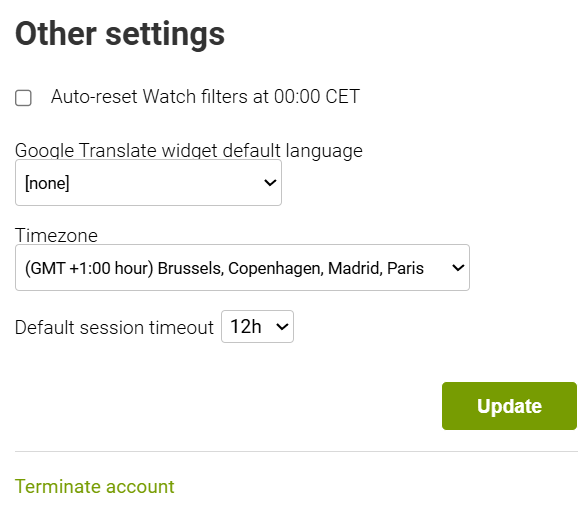
The checkbox for Auto-Reset Watch filters will automatically remove them for TM watch, Intelligence monitor, and Domain watch at midnight CET time.
Goods and services translation widget : When reviewing Markify reports online, you can make sure that Goods and Services descriptions are automatically translated into a specific language with the help of the Google Translate plugin that is integrated into the system. In order to adjust this setting, please select the necessary language from the drop-down menu and click “Update”:

When you open any of the Reports pages, you will see that GaS data is automatically translated:

You can also adjust the account timezone:
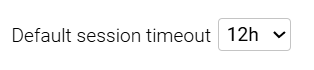
And change the timeout session length, defining how often you will be automatically signed out from your account
To apply any changes, please click on Update button.