To select classes, you can simply type in the numbers into the string:
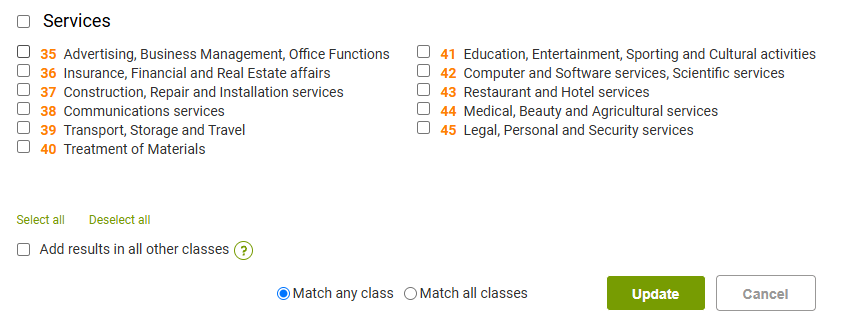
 Or you can open a pop-up window and make a selection there:

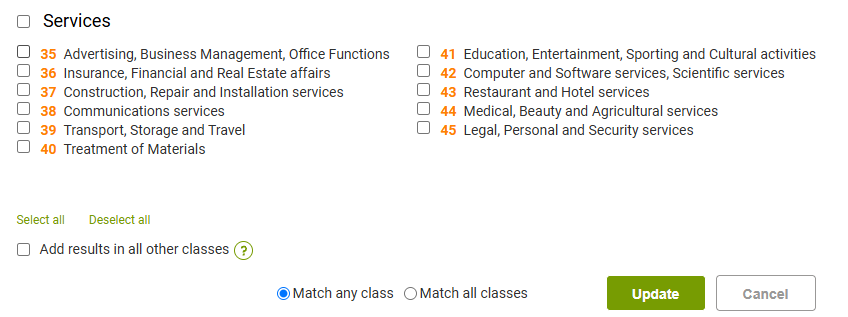
You can now tick the necessary classes:
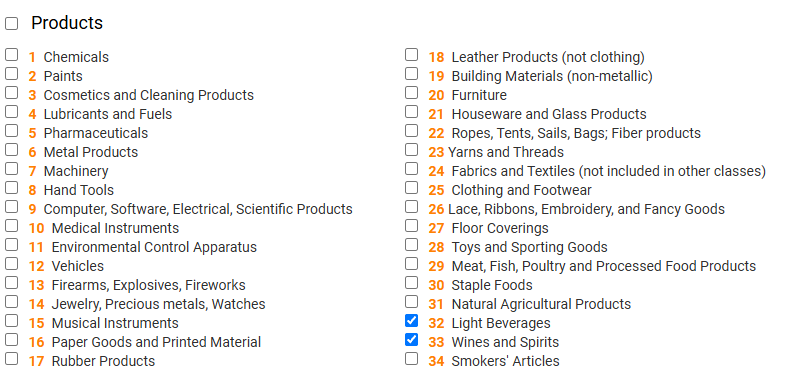
Moreover, this popup window also has a search option that can help match goods and services keywords against the classes (officially used terminology only). To use this, simply type in the term and click the “Search” button:

For advanced similarity searches, it is also possible to tick the checkbox for adding the resuls in 'other classes' which means that the report will contain an additional tab with all trademarks detected outside the requested class scope (please note this is typically quite a voluminous category):