
Your Prosearch results list looks like a spreadhseet where you can adjust the columns that are displayed (check our Custom columns user instruction here), or sort the results clicking on column headers.
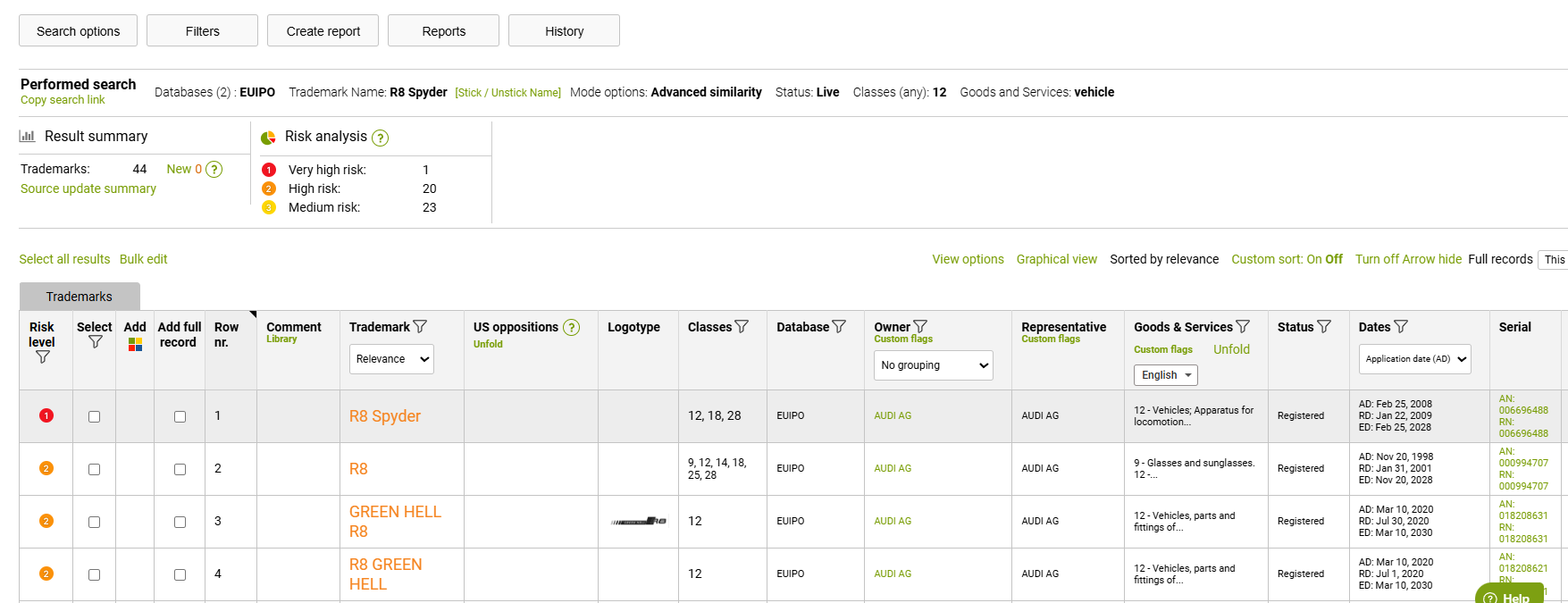
Above the results, you can see Performed search parameters, and report metadata:

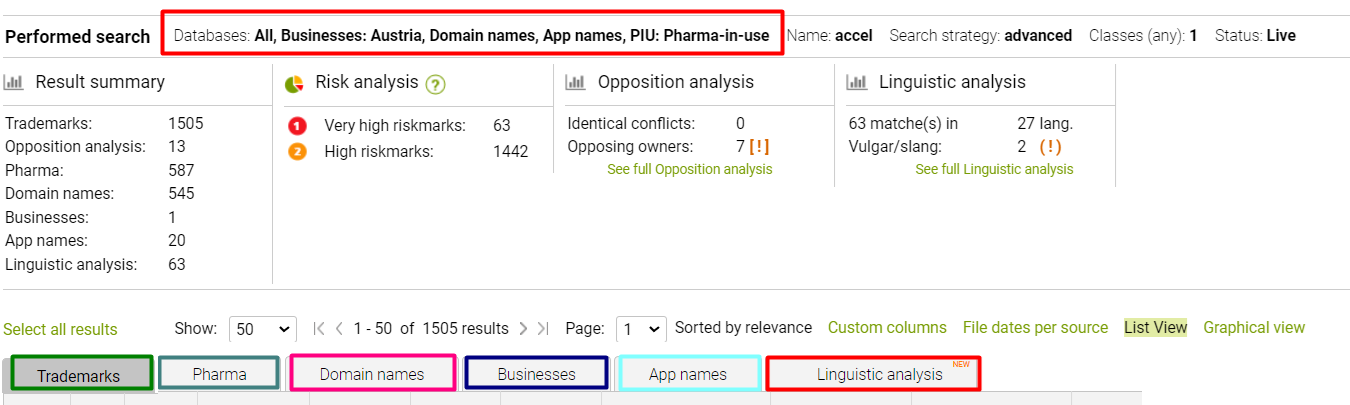
The results summary indicates the number of matches in searched sources
Risk analysis data is provided if you search in Advanced similarity modes - it specifies the number of results per each included Risk level category.
And Linguistic analysis summary will point out the number of similar terms detected and if any of those are considered vulgar or slang language.
Your search report can contain several tabs with results from different data sources, according to the search criteria you used: Trademarks, Domain names, Business, Web, etc:
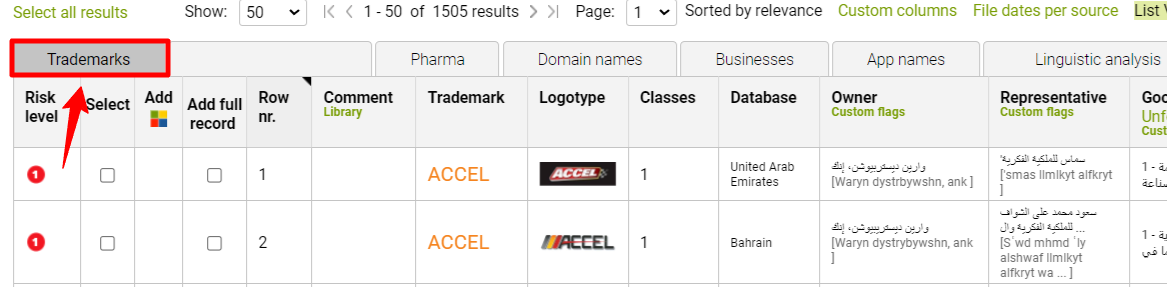
Trademarks tab provides you with all your trademark results:
The Pharma tab provides you with pharmaceutical results:

Domain names tab returns identical and similar domains:

The businesses tab provides you with a similar Business names:

App names return identical and very similar App names:

Linguistic analysis provides you with dictionary explanations of the term in more than 100 languages. In addition to that, slang and vulgar vocabulary are highlighted:
