
Results for your wordmark searches are presented in a List/Table view in a form of a spreadsheet with multiple columns.
If you would like to adjust the layout and rearrange the data, please use the “View options” link:
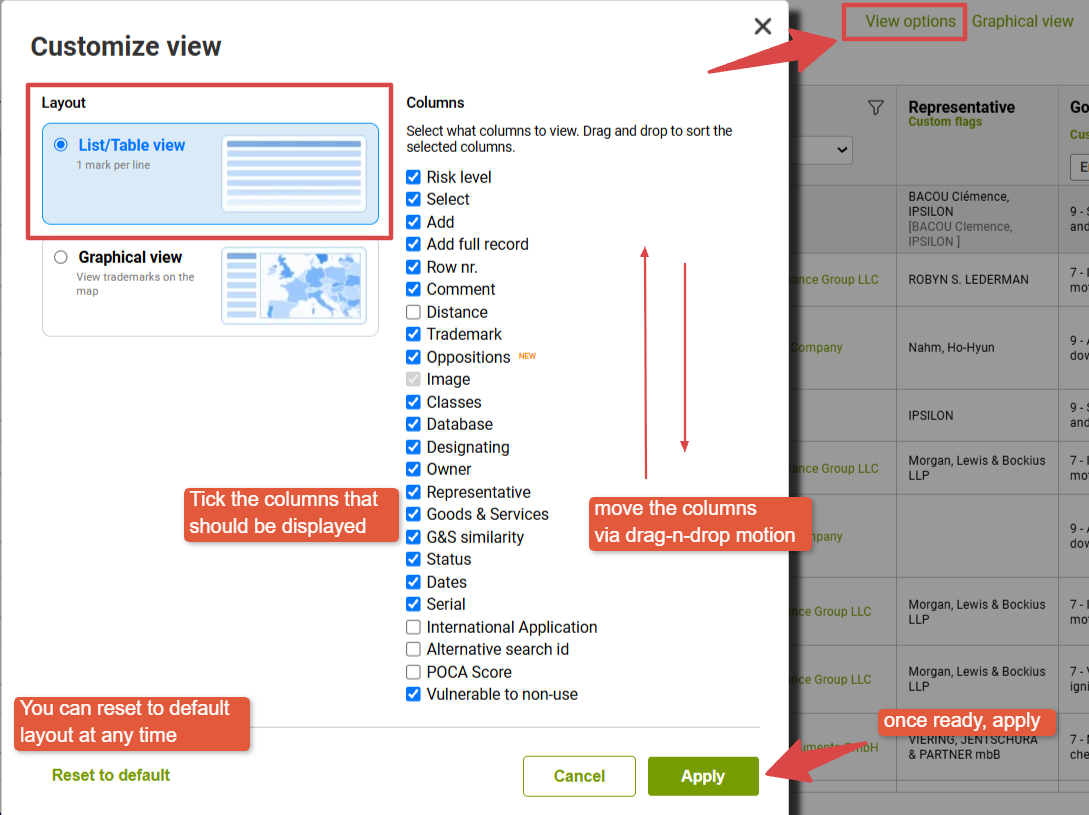
Here you can use drag'n'drop motion to rearrange the sequence of the columns, tick or untick them.
We do recommend revisiting this setting from time to time, since some of the new features are kept as optional.
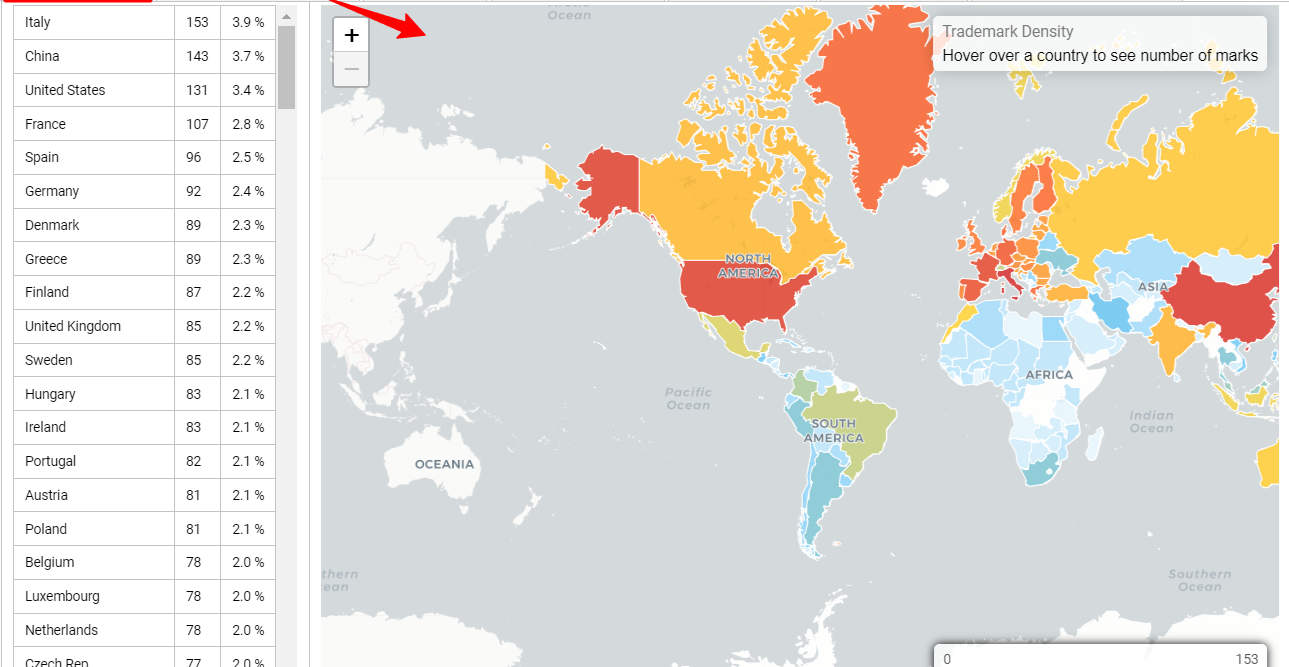
At this menu, you can also switch to the Graphical view - an interactive map that displays the distribution of results available in your report: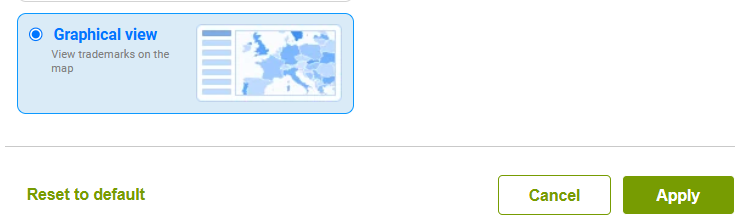
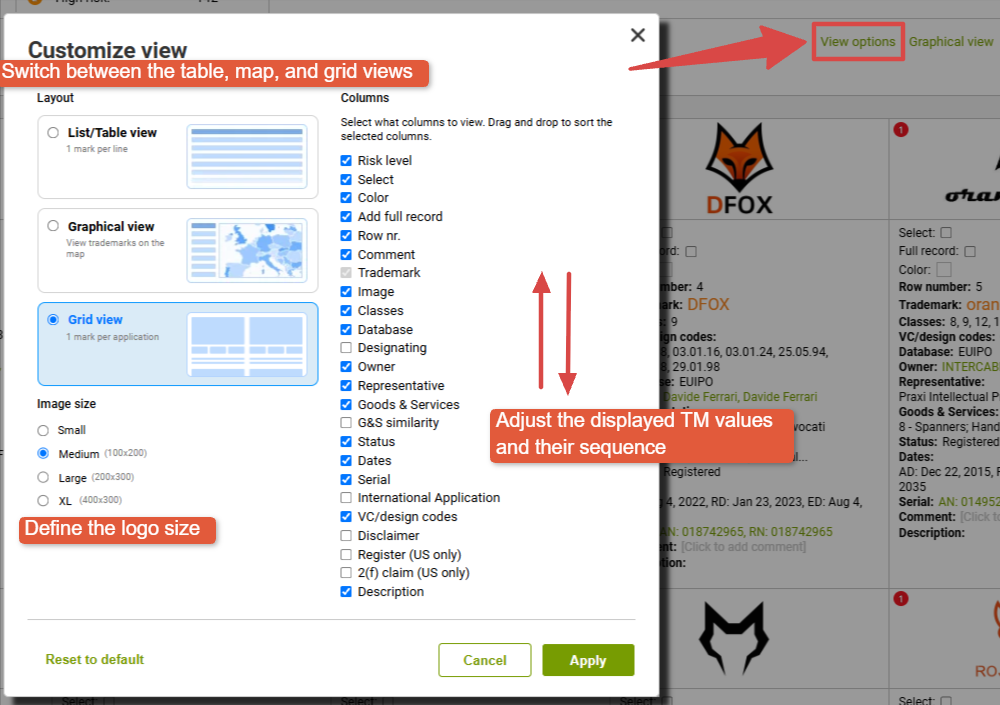
For Image searches, it is by default suggested to review the results in a Grid View where you can still adsjut the amount of TM information displayed and the logo size. Alternatively, you can switch to the List/Table view as well:

And to make it easier to go through the results, you can also Stick your Logo on the screen:
