Hide/Unhide feature allows using keyboard control options for reviewing search results.
- Up and Down ↑ ↓ keyboard buttons can be used for navigating through the list of results.
- Right arrow button → or Delete hide results from the main list
- Left arrow ← button can undo your previous actions.
- And Enter ↵ button selects the result:
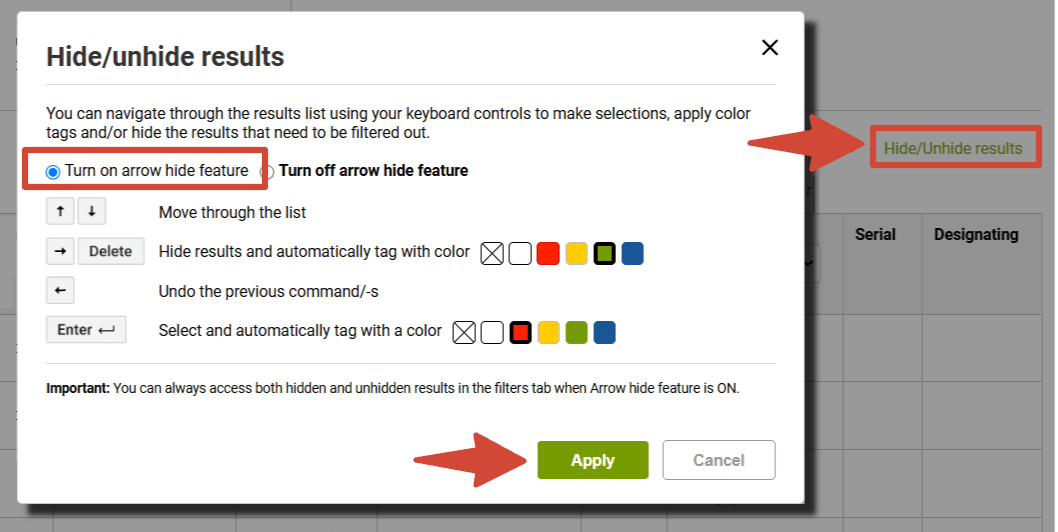
This Hide/Unhide option can be combined with color tagging: for example, you can select red or another color to be applied together with the results selection by clicking the Enter ↵ button, and you can pick what color will be applied to hidden results by clicking on Delete/→
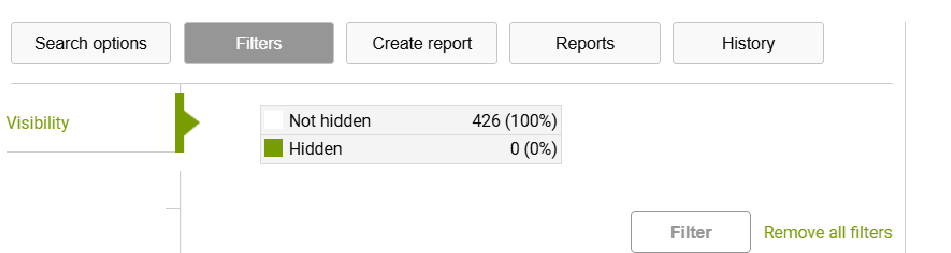
Hidden results can be accessed with the help of the "Visibility" filter: