
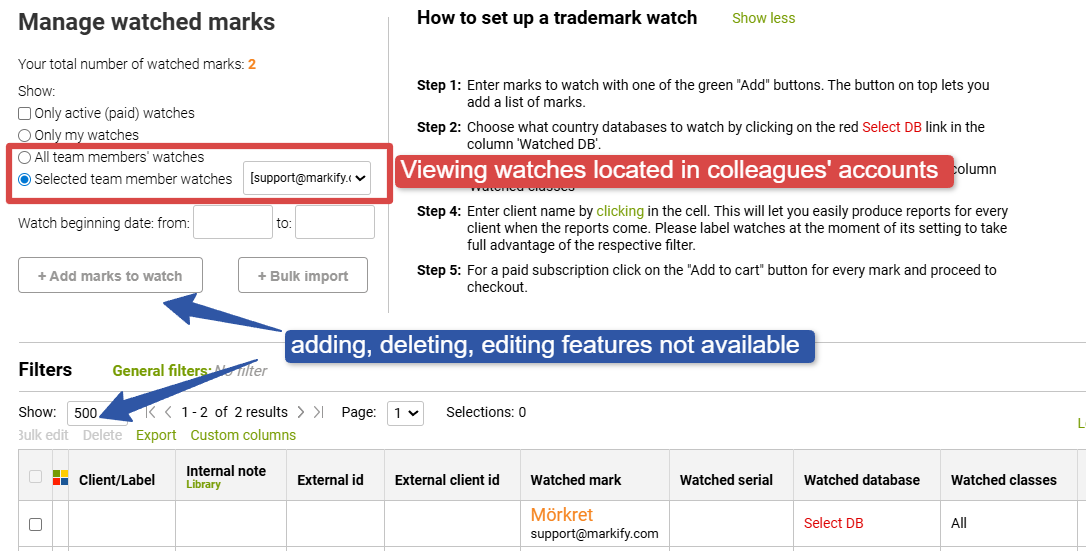
Portfolio management rights are limited per account, which means that only the account owner is able to add, edit, or delete their own watches.
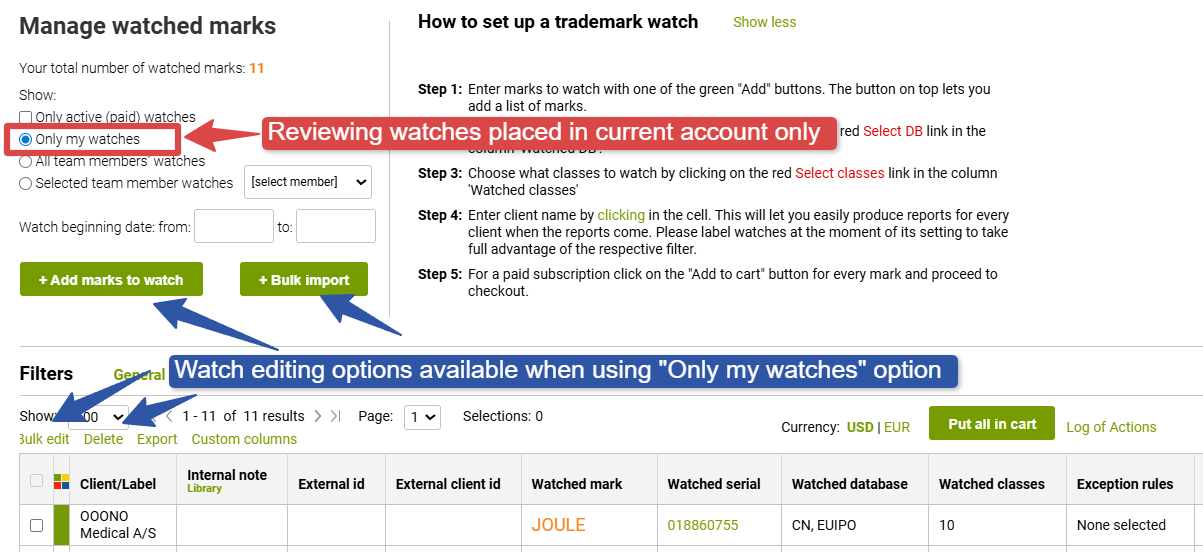
When using "All team members watches" or "Selected team member watches", you only have reading rights and it is not possible to add, delete, or edit a watch located in smb else's account
If there is a need to let a specific user (paralegal, assistant, or else) to access portfolio management features, this can today be solved through providing these employees with secondary passwords to the requested accounts. You can read more on this topic here