
Please note this functionality is only available for Daily watch users
Daily watch setup supposes the delivery of watch reports every day with the new data sets made available in our system.
You can get acquainted with the database update frequency at the LINK (requires Markify login).
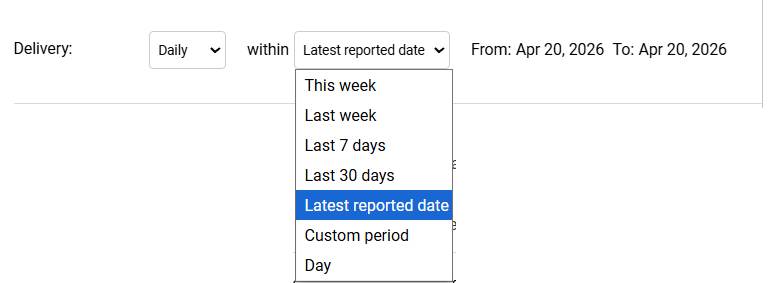
Daily watch functionality is available at the Delivery navigation. Upon selecting the Daily option, you can further switch between various possibilities, for example, “Latest reported date” will display the newest available report:
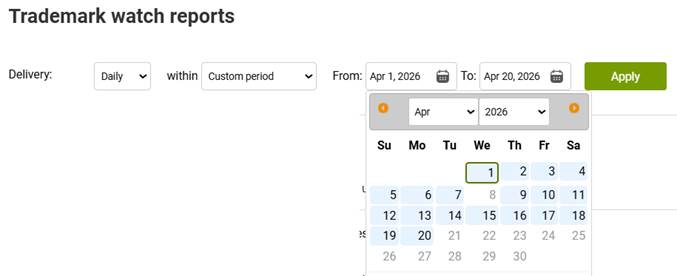
If you would like to see another day or date range, please use the “Custom period” option and configure it accordingly:
There also are options for this or the previous week, the last 7 days or 30 days
If you have had weekly watch delivery previously, this functionality will remain available at the Delivery section – when switching to Weekly, you can find your older reports there, but new reports will only be posted into the Daily section:
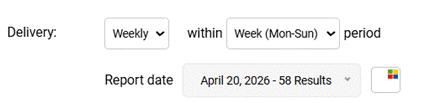
Please note that your earlier weekly reports are not possible to split per day, so it is normal that the results are not displayed within Daily reports.