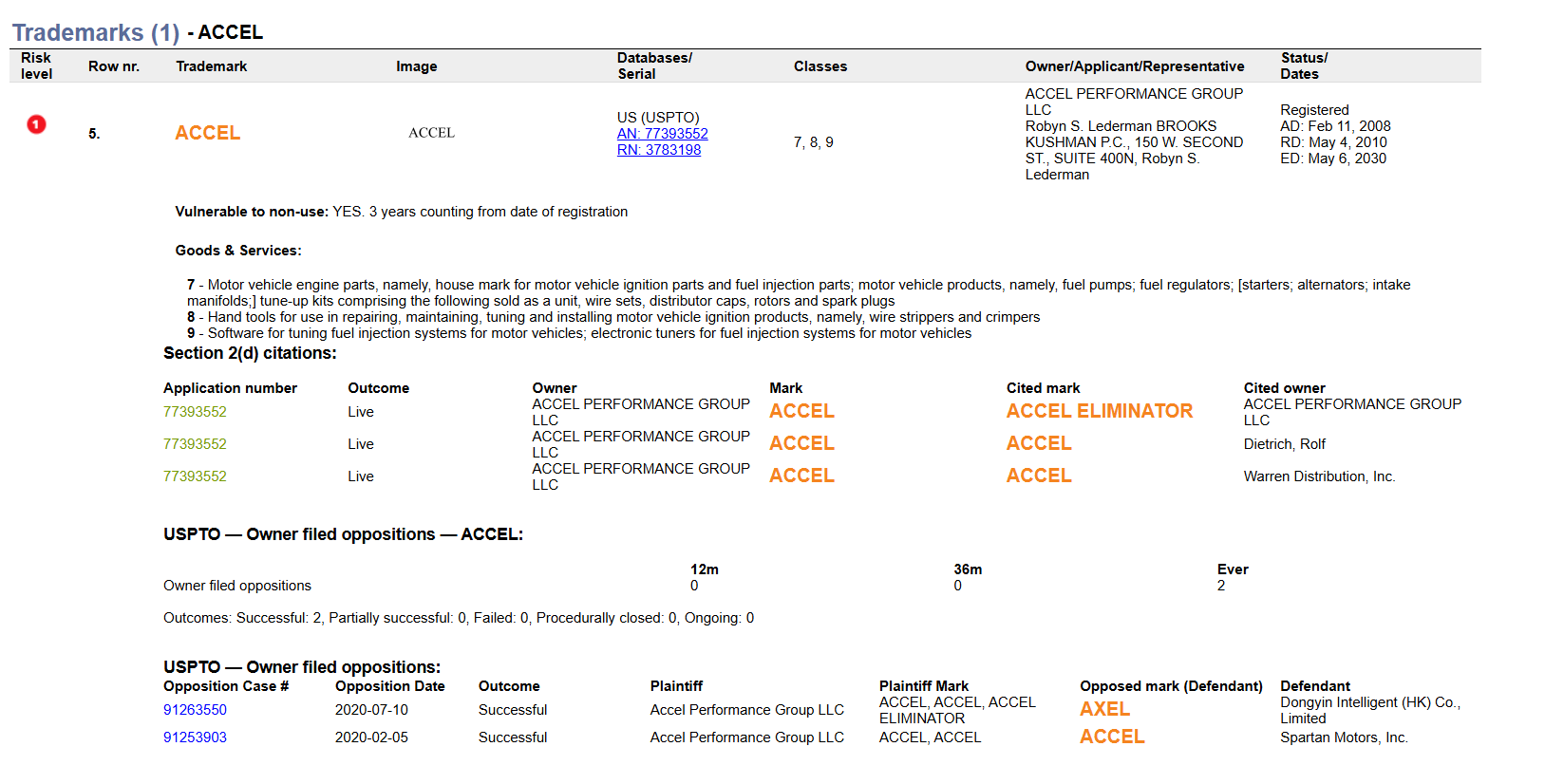
Your ProSearch searches for EUIPO and USPTO databases now automatically include opposition analysis data which can help evaluate the previous cases as well as overall owner's litigiousness. For USPTO, you will also see 2d citations data.
TABLE OF CONTENTS
- Viewing opposition details
- Understanding the Opposition sections
- Exporting oppositions and 2d citations data
Viewing opposition details
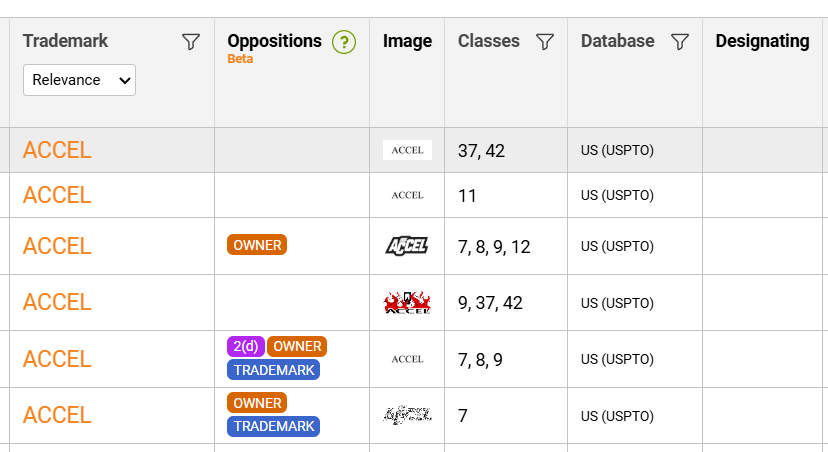
You will see Opposition analysis tags displayed in the Oppositions column in your account:
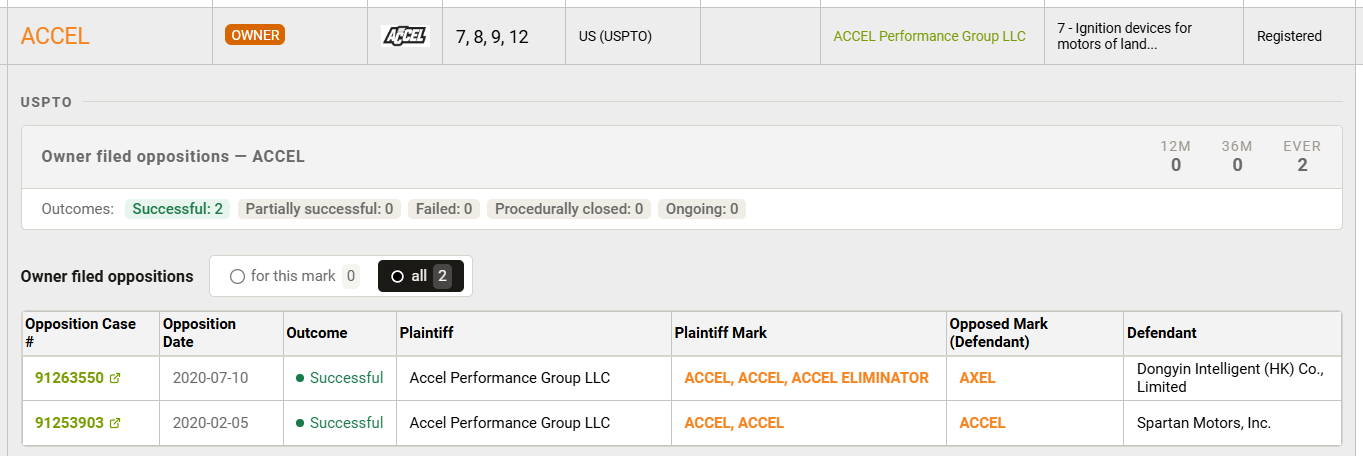
Upon clicking into the cell, the details will unfold:
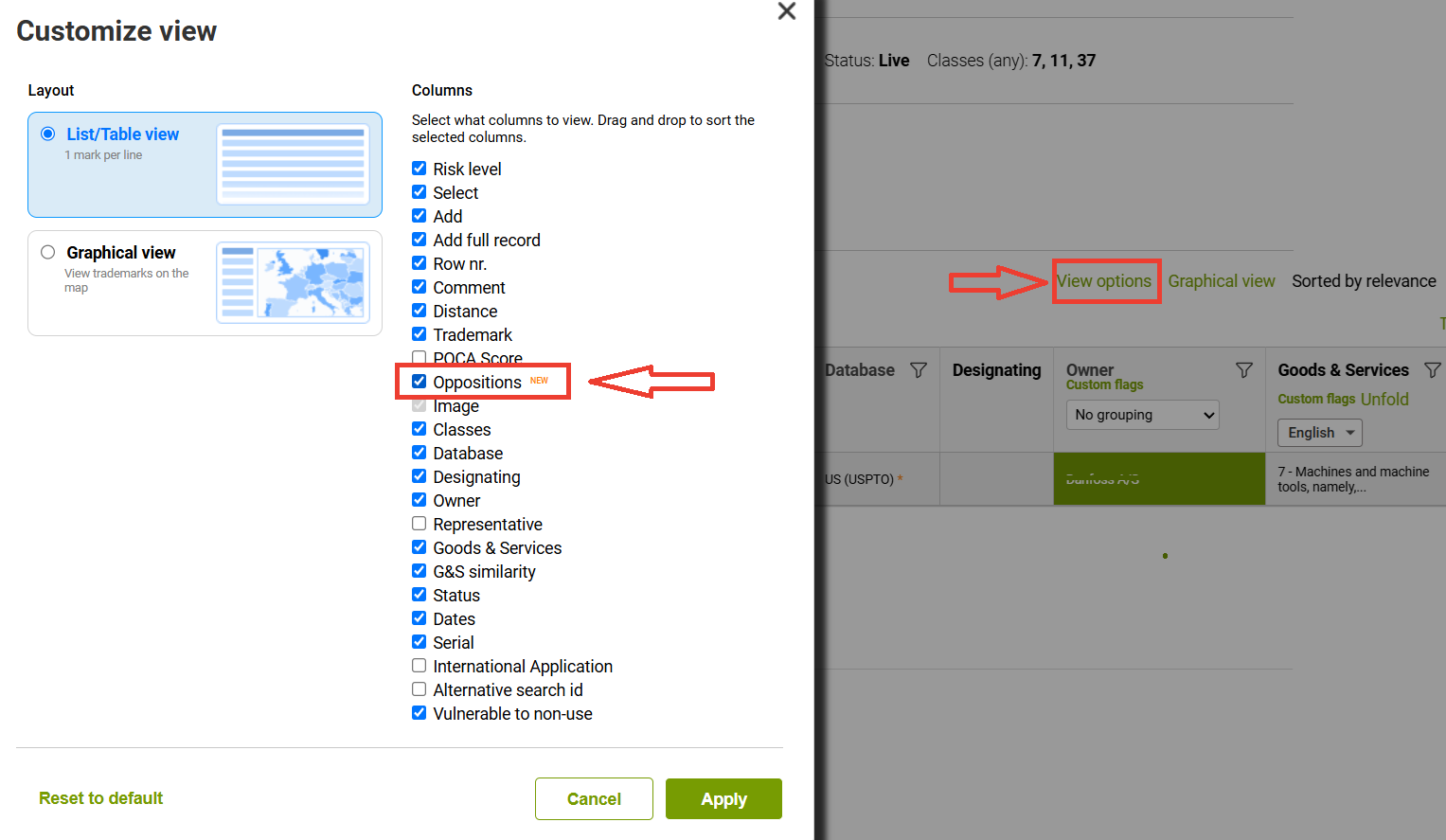
In case the Oppositions column is not visible under your current setup, please go to the View options and tick the respective checkbox:
Understanding the Opposition sections
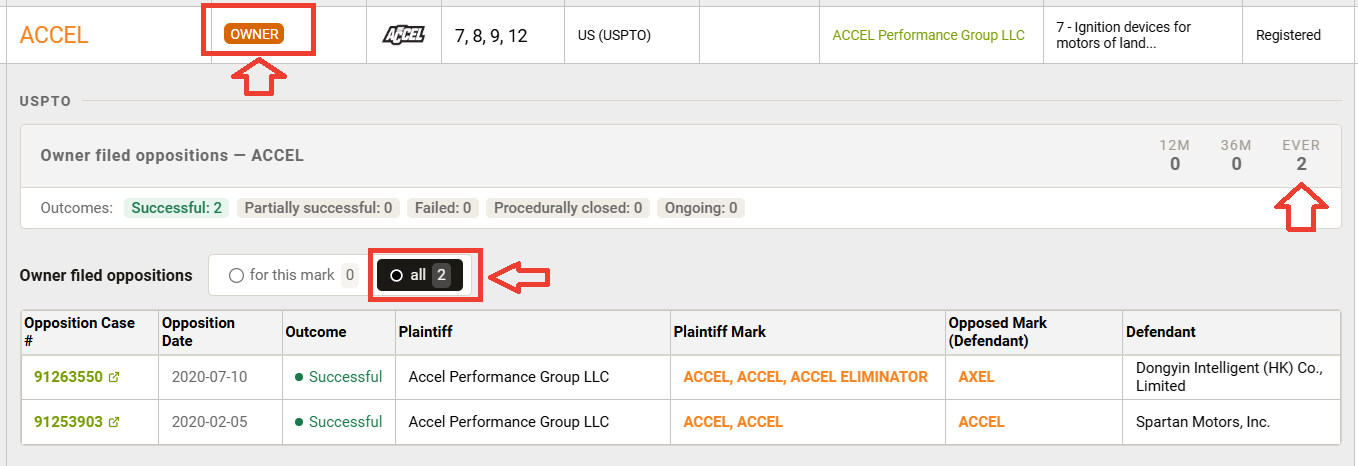
FIrst of all, upon unfolding the details, you will see that at the top there is an overview for the total number of oppositions, as well as those filed within the previous 12 or 36 months.
For USPTO, there is the ourcomes summary too:

Opposition by Tradrmark displays cases directly associated with the trademark shown in the search result.
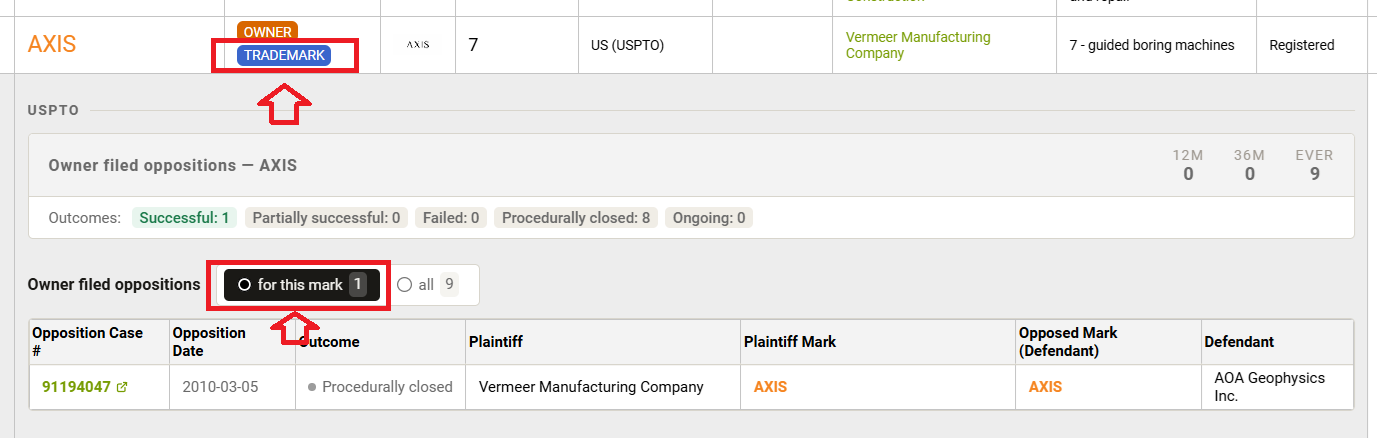
Opposition by Owner diplays all the oppositions related to the trademark owner.
While it does not necessarily mean that there is an opposition related to the result on your list, it may help identify whether an owner has historically been active in opposition proceedings.
2d citations section indicates that a trademark was cited by the USPTO for likelihood of confusion with an existing mark

For all the displayed examples, you can click into the green link within the case number and check the original information with the PTO:
Exporting oppositions and 2d citations data
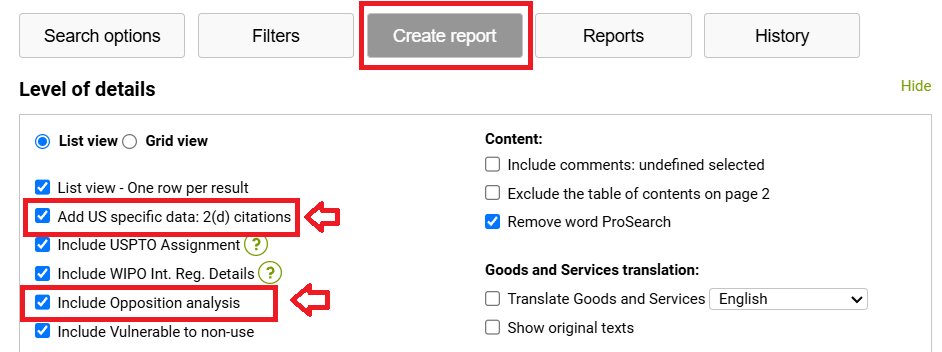
To make sure your custom report includes these records, please make sure to tick the respective checkboxes within the Level of details sectionof your results export menu:
- Add US specific data: 2(d) citations
- Include opposition analysis
Extracted information can then look like below: